Bug Report: Link Previews Broken for Base Show URLs due to 302 Redirect

Hi Trakt Team,

I’m writing to report a recent issue regarding how links to main show pages are handled, which has broken the “unfurling” of rich previews in chat applications and other services that use Open Graph meta tags.

**Summary of the Issue:**

Links to main show pages (e.g., `https://trakt.tv/shows/slug\`) are no longer generating rich previews. Instead of a title, description, and image, only the plain URL is displayed.

**Technical Analysis:**

The root cause appears to be that these base URLs now return an **HTTP 302 redirect** to `app.trakt.tv`. Most link preview generators will not follow this redirect, or if they do, the final `app.trakt.tv` page does not contain the necessary Open Graph (`og:`) meta tags for a preview to be generated.

In contrast, URLs pointing to a specific season or episode still return a direct **HTTP 200 OK** response with the complete HTML, including all the `og:` tags needed for a perfect preview.

**How to Reproduce:**

1. **This link FAILS to unfurl:** `https://trakt.tv/shows/blue-lights-2023\`

\*   Running \`curl -i " https://trakt.tv/shows/blue-lights-2023 "\` confirms it returns a \`302 Found\` redirecting to \`https://app.trakt.tv/shows/blue-lights-2023\`.

2. **This link WORKS perfectly:** `Blue Lights Season 1 - Trakt

\*   Running \`curl -i " https://trakt.tv/shows/blue-lights-2023/seasons/1 "\` confirms it returns a \`200 OK\` with the full HTML payload containing \`<meta property="og:title"...>\`, etc.

**Suggested Solution:**

The most effective solution would be to revert to the previous behavior where the base show URL (`/shows/slug`) serves a `200 OK` response containing the Open Graph meta tags directly, rather than issuing a redirect. This would restore the expected link preview functionality across all platforms.

Thank you for your time and for all the hard work you put into Trakt. I hope this detailed report is helpful in resolving the issue.

Cheers!

2 Likes

Ah, so this might be why previews to “movies” are also not working since it is linked to the main page.

1 Like

I’ve asked a developer to take a look at this as well as your support ticket @jtmtzrwj :slight_smile:

1 Like

THANK YOU!

anything to make Trakt more accessible and shareable is great. i love Trakt, and i constantly tell people how good it is. this is a big issue with the rich links not populating. thanks for looking into it quickly <3

1 Like

@Kristin Do you know if this is currently being worked on? Any chance it would be fixed soon? It has been a week for me already that I am unable to use trakt due to this issue. :frowning:

The developer tested the examples you provided and was able to see the link previews without an issue using whatsapp. Do you have any other examples of it not working or can you provide any additional information that might be useful?

@kristin They can check any of the main links to “movies” or “series” on social media platforms like x or mastadon (or bluesky or facebook) and see that the previews do not populate. I did not include whatsapp in my original report since that is not the platform I am experiencing this on.

https://trakt.tv/movies/nightbreed-1990

https://trakt.tv/shows/supernatural

Thank you for looking into it.

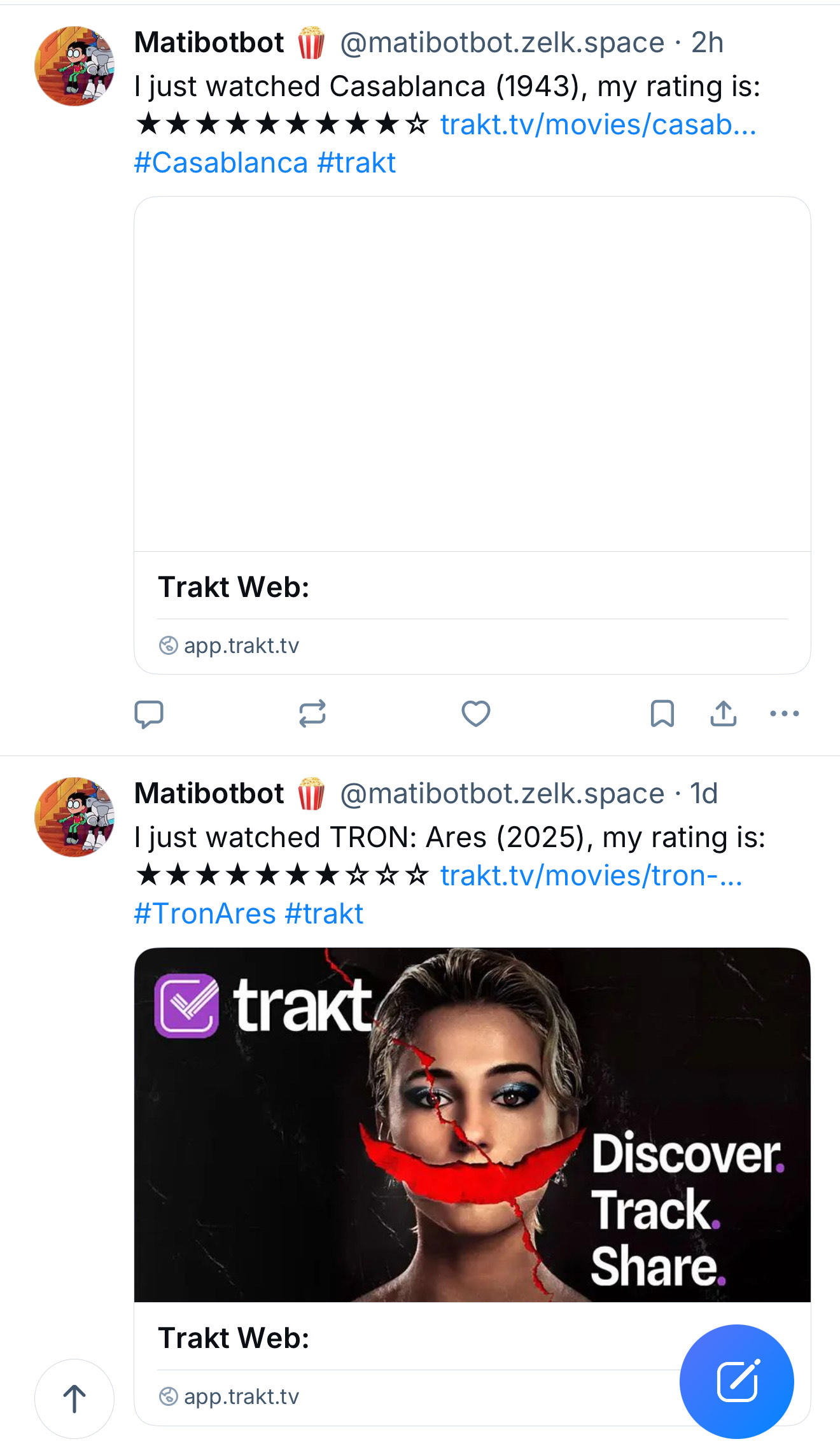
I followed the instructions from the original poster to reproduce this issue on numerous platforms and my results are similar to this screenshot:

You can clearly see the difference between the base link (which does not show the poster or the description) and the season link (which does show the description and poster as it’s not redirected.)

I also tested with iMessage, no description, just the poster.

The second screenshot shows how the base URL used to unfurl correctly before the recent redirect changes. This was the ideal behaviour.

The reason this is so important is that for many people, the rich preview and description are the deciding factor in whether they engage with a shared link. Without that context, a plain link is often ignored.

The reason for this discrepancy is that the base URL now issues an HTTP 302 redirect, which many platforms’ link preview bots don’t follow. The season URL, however, returns a direct 200 OK with the necessary Open Graph tags for the preview.

I hope these visual examples and details help the team see the issue from a wider perspective than just WhatsApp.

Thanks again for your help in looking into this.

2 Likes

same for those under “movies”

I don’t check in on Bluesky because it’s been two years since I opened a ticket here and automatic posting has never been made available.
But some users make manual posts, and in those posts we can see that it really is broken. Paying for VIP to get such poor support is sad…

Edit: The problem seems to be in movie posts, series posts usually show the episode screen.

1 Like

Thanks for providing those additional examples! A developer has found the issue and should have a fix up soon.

2 Likes