- There’s a great step by step on your site, but it appears to be specifically for the Apple App. I’m on my phone, a Pixel ie: Android. Within the app there is no import, or “data” section. You can click a “more” button that opens a browser window.
But even that doesn’t have the same options pictured in the how-to.
If I click data>import>TV Time
I don’t get an option to simply upload my GDPR .zip file. I’m directed to upload a specific “tracking-records-v2…” file.
So I did that. But if I compare the records on both accounts (with TV Time), I’m missing hundreds of “watched episodes”.
In addition, none of my lists. Do those transfer if I were to do the full .zip? How can I import the GDPR .zip???
Now I’m just worried about what else didn’t transfer =\
Don’t have android but have your tried through the website (browser) instead of the app?
the importer is only available on the website. go to https://app.trakt.tv/settings/data
Thanks for the link, that worked. I don’t understand what website I was on before, but like I said, from the app, it launches Chrome, and I was in some kinda site…?
So is there a way to transfer Lists from TV Time to Trakt? That’s the only other thing I really need. I have like 10+ lists, each with 100+ entries. It’ll really suck to have to redo manually =\
i’m not sure about the lists and how the importer works. do your lists contain whole series or movie entries or are they containing individual episodes or seasons?

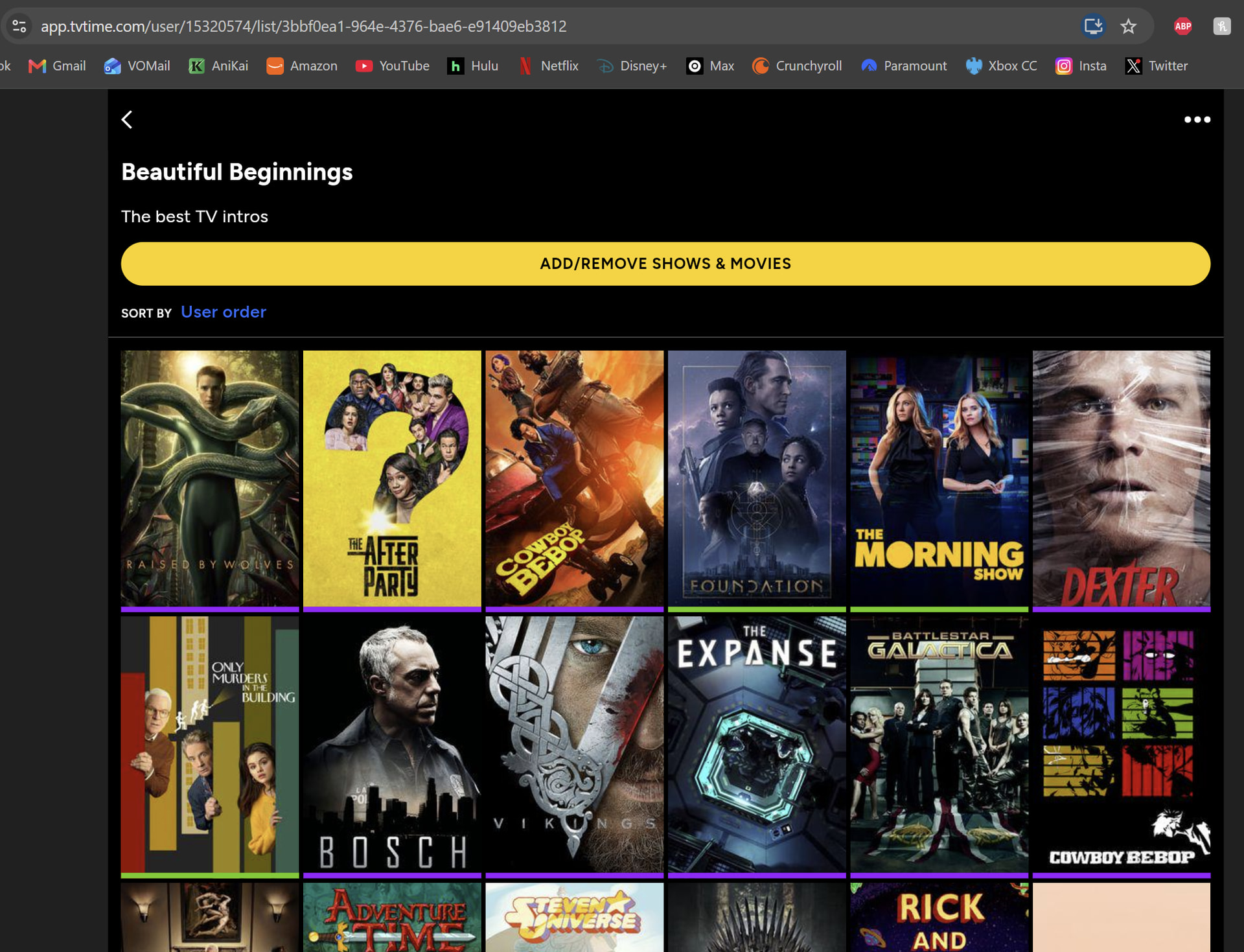
then the importer probably doesn’t bring lists over and you’d need to manually create them. that’s an assumption since i don’t know exactly how the import works