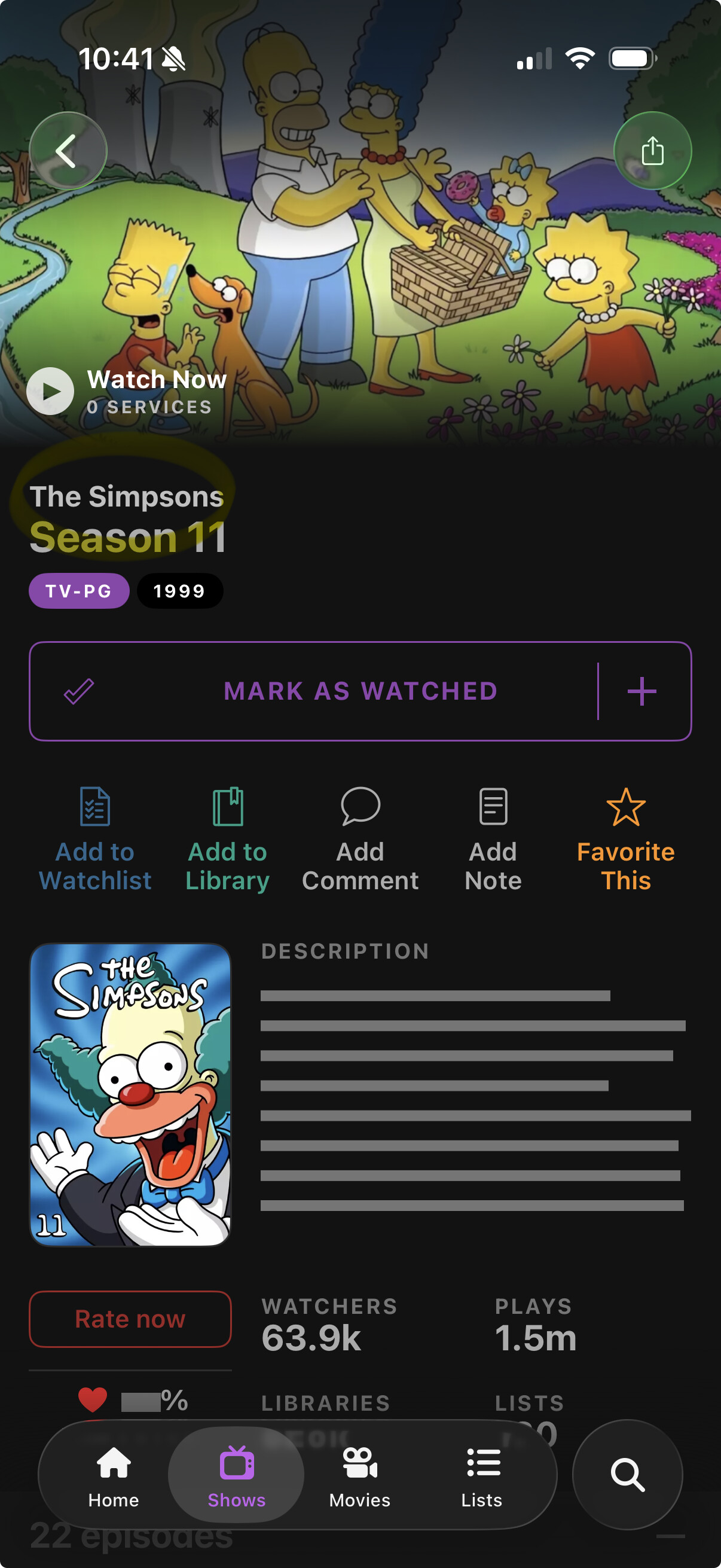
Maybe these are only a features of VIP, which I planned to get, but why - if I add a show to my watchlist, can’t I mark the last episode I watched and easily have it mark all previous episodes as watched (simple prompt)?
Also, can you ONLY view details for the NEXT show that is marked as unwatched? I imported 54 shows, 95% of which I have watched ALL episodes… in order to make sure, I was going to look at the details of some of the ‘unwatched’ episodes (air date, description, etc.), but apparently you can’t view this info on e.g. episode 11 until you have marked 9 and 10 as watched??? So do I have to go hunt down this info on other platforms, even though it should ALL be available right here???
If this is only VIP, and I can’t see and understand how everything is supposed to work, I may just go back to TV Time.
I also don’t understand why if you have caught up and or watched all episodes of a show, you can’t even search and view the info on it? That is ridiculous.
Also, If you’re in the web app, why isn’t there a simple obvious link to get to your dashboard? I have it bookmarked now, but had to jump through hoops just to find the url for it again in order to get to all of my settings.
I came here ready and willing to immediately get a subscription due to the API and connectors to plex and other platforms, but if everything else is going to be as difficult to navigate as the things I have had found in the first half hour, I’m out.